Astro Starter Kit
A free starter kit with project scaffolding, Tailwind design tokens, and an AI workflow cheatsheet for shipping Astro sites fast.
Tech Stack
Astro, Tailwind CSS, TypeScript, Prettier, Husky
Timeline
Ongoing
Category
Open Source
Mission
Give developers a head start on Astro projects with the exact config, structure, and workflow I use.
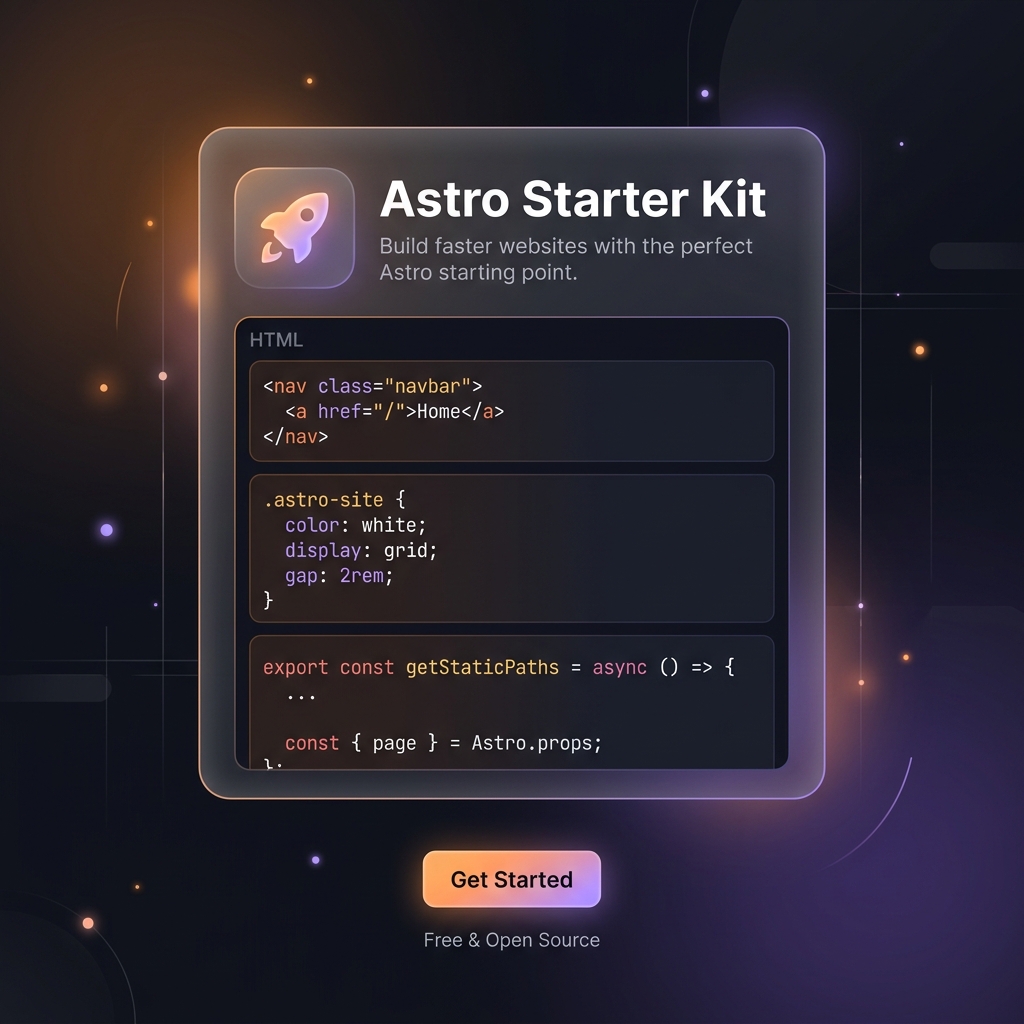
A free resource package for developers building with Astro. Includes the exact project structure, Tailwind configuration, and AI-assisted development workflow I use on every project — distilled into a zero-fluff download.
What’s Inside
Project Scaffold
The exact folder structure and boilerplate I start every Astro project with:
- Content collections — pre-configured
src/content.config.tswith Zod schemas for blog posts, projects, and custom collections - Layout system —
BaseHead.astrowith SEO defaults (OpenGraph, Twitter Cards, JSON-LD, RSS),MainLayout.astrowith view transitions and scroll reveals - Component organisation —
astro/for static components,react/for client islands,ui/for shared primitives - Style architecture — Tailwind config with semantic CSS variable tokens, typography plugin settings, and dark/light theme support
- TypeScript — strict mode enabled, path aliases configured (
@/*→src/*)
Tailwind Design Tokens
A complete design token system that drops into any Tailwind project:
- Color tokens —
bg-page,bg-surface,bg-surface-elevated,text-primary,text-secondary,text-tertiary,border-border,border-border-strong - Theme support — dark/light via
data-themeattribute on<html>, with local storage persistence - Typography — Tailwind prose plugin configured with semantic tokens, heading styles, and code block theming
- Spacing & sizing — consistent 4px base unit scale, max-width containers (
max-w-page: 1280px,max-w-prose: 65ch) - Motion tokens — transition durations, easing curves, animation keyframes for scroll reveals and micro-interactions
All tokens are designed to be theme-aware — every color automatically adjusts for dark and light modes without per-component overrides.
AI Workflow Cheatsheet
The prompts, patterns, and tool combinations I use to build faster with AI:
- Context injection — how to prime AI tools with your project’s conventions, existing patterns, and coding style
- Iterative prompting — breaking large features into sequential tasks rather than one-shot generation
- Validation loops — always ask AI to check its own work (type errors, edge cases, a11y)
- Tool configuration — MCP server setup for Astro, TypeScript, and Playwright integration
- Practical examples — real prompts I’ve used to generate components, write tests, and debug issues
Why Free
Building an audience starts with giving something useful away. This kit is the entry point — if it helps you ship faster, you’ll stick around for the blog, the newsletter, and eventually the premium template.
The kit is delivered via Buttondown email automation. Drop your email on the starter kit page and it arrives in your inbox within seconds.
What’s Next
- Expanded component library — pre-built hero sections, feature grids, testimonial carousels, and pricing tables
- Template variants — blog-first, SaaS-landing, and portfolio configurations
- Video walkthrough — Loom screencast showing how to go from download to first deploy in under 5 minutes
Get it at /starter-kit.